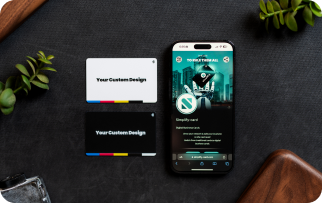
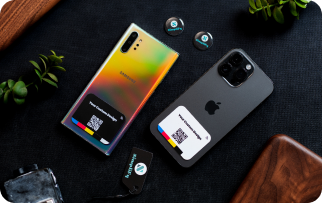
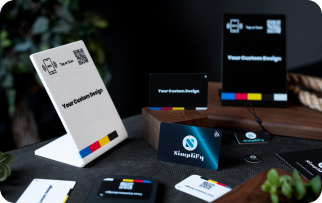
Setting up your SIMPLIFY digital business card is SIMPLE and takes under 2 minutes.
Here’s a handy walkthrough for creating your first SIMPLIFY card
Execute the steps below one by one or follow along the video at the end of this page, and you’ll be set up in no time.
Explore Your SIMPLIFY Account:
1. Complete Overview: Visit your personal Simplify account, which serves as a central hub for your dashboard, business, appointments, contacts etc.
2. Logout Logout from your SIMPLIFY account on your homepage.
Congratulation! You can now start using your SIMPLIFY CARD and experience the convenience it brings. Use it to grow your network and your business.
Keeping Your Information Up To Date:
1. Edit your profile: Log into your simplify account in our website www.simplify-card.com using your e-mail and password that you set up at the beginning of this process. Navigate to the profile section, edit your information, and click save changes. Your new data is now updated. It is that simple!
2. Automatic updates: If you edit any information in your profile, your Simplify card automatically updates, so you never have to worry about giving out outdated information again.
Help Center
If you require any assistance or have any question regarding editing or creating your profile or anything else, our support team is here to provide guidance. You can also visit the FAQ and Tutorial links for more tips to use your simplify card